MoneyWise 3.0 Available Now!
MoneyWise 3.0 brings an all new design, multiple management options, and so much more!

New Design
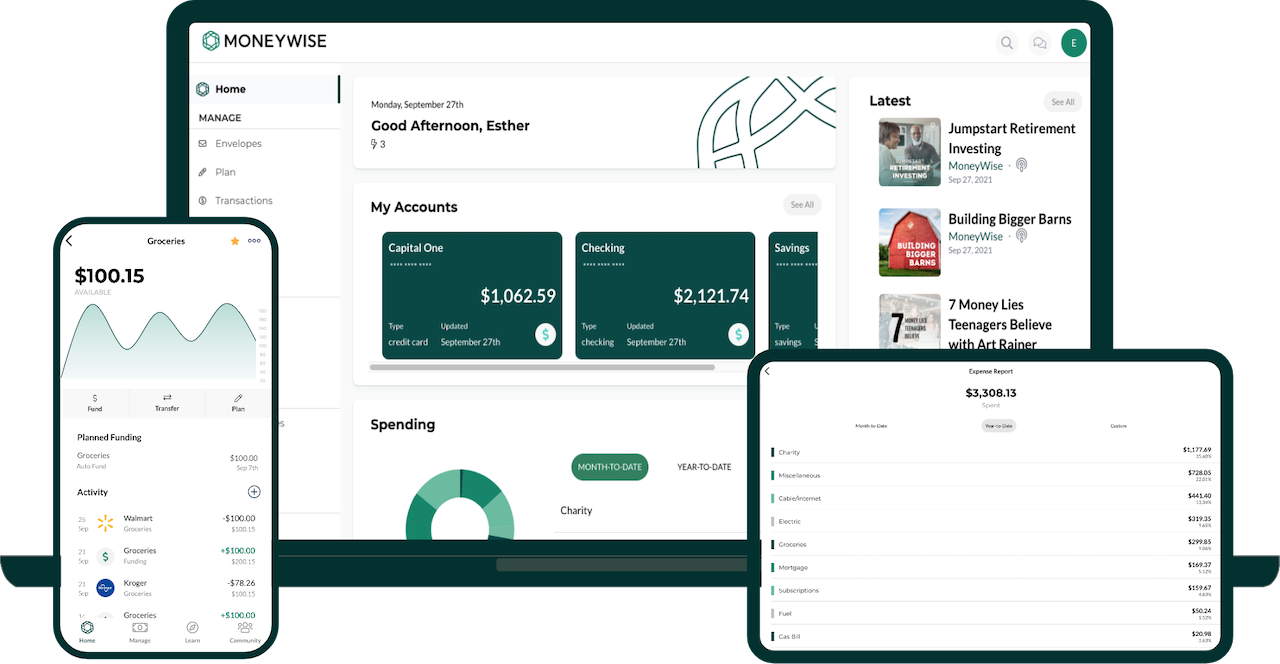
The all new MoneyWise brand is on full display in this newest update. The cleaner design with a primarily green color palette creates a great experience throughout the app.
Three System Options
The biggest new feature in this release is the ability to choose how you want to manage money in the MoneyWise app. It now offers three money management systems - Envelope System, Monthly Spending Plan, and Track Only. Regardless of how you want to manage money, one of these three systems will be the right fit for you. The best part is you can seamlessly switch between system types until you find the one you like best. To do this, simply click on the Options button from the Plan tab, then select "System Type".
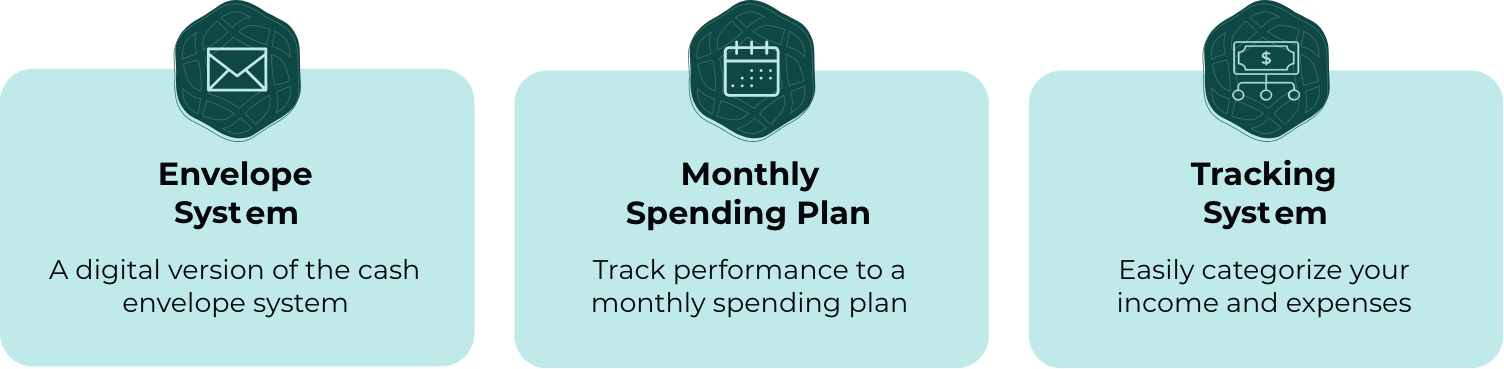
- Envelope System - This tried and true system uses your actual bank balances to allocate funds to different digital envelopes. With the ability to accumulate funds month after month in an envelope, this system is the recommended solution by MoneyWise, but it does require the most time to manage and maintain.
- Monthly Spending Plan - The ability to create a monthly budget and track against it is a great way to steward your finances. Your budget resets each month, similar to other apps like Mint or EveryDollar.
- Track Only- The simplest of the three options, track only allows you to categorize your income and expenses so you can better understand how you are using your money. This system is a great option if you are just wanting to stay organized and become more aware of your financial decisions.
New Reports 🎉
The addition of a Cash Flow Report and an Income Report as well as enhancements to the Expense Report help you clearly understand your transaction history. You can now customize the date range of the reports and you can export your transaction details to a CSV for further analysis from the web app (https://app.moneywise.org).Connected Account Placeholders
Placeholders are specicially designed to keep your connected accounts up to date in the event of delayed imports and can be added to any connected account. These transactions are labled as "Placeholders" so you can clearly differentiate them from transactions that are imported from your bank accounts.
When you add a placeholder to a connected account with the exact date and amount of the transaction on your bank statement, the app will automatically match the placeholder to the incoming transaction ensuring it gets assigned to the appropriate envelope.More Control Over Accounts 💳
- The ability to rename connected accounts allows you to better differentiate your accounts and add your own personal touch.
- Connected accounts now provide additional information on the account such as the current balance, available balance, balance limit, and credit utilization percentage for credit cards.
- Alerts on Home Screen notifying you when a connected account needs to be reconnected or requires your attention.
Envelope Transfer Improvements 🔁
Improvements to transfers between envelopes allow you to easily edit the transfer and also provides clarity around which envelope(s) were invovled in the transfer.
Rebalance Envelopes ⚖️
The ability to rebalance envelopes is a helpful feature for the envelope system, allowing you to set all your envelope balances to zero. This feature automatically moves funds between envelopes without impacting the envelope's history - it simply adds a new funding item in each envelope to adjust the balance to zero. Once the envelopes are rebalanced, your available for funding will match your bank accounts so you can begin to redistribute those funds to your envelopes.
New Support Features
When you reach out to MoneyWise support you can now keep track of and respond to your support requests directly through the app and web app by clicking on "Support". You can respond to your support requests directly through the app/web app or by replying to the email you will receive from support.
Additionally, Pro users can now schedule a 30 minute one-on-one appointment with a MoneyWise Coach who is trained to help answer your questions about the MoneyWise app or any other financial questions you may have.
And More
- Compatible with iOS 15.
- Improved navigation and fuctionality throughout the web app.
- Search capability added to Learn tab to help you easily find resources.
- Bug fixes and several improvements under the hood.
Related Articles

May 19, 2026
Why Debt Shouldn’t Fund Generosity
Is it really giving when it's other people's money? Rob West shares the sober truth that using debt as a shortcut to gen...

May 19, 2026
Finding Purpose in Retirement with Mitch Anthony
Retirement is often described as the finish line—the long-awaited season when work finally ends, and leisure begins. But...

May 18, 2026
Don’t Build Wealth on Others’ Burdens
Do you get ahead at someone else's expense? Rob West warns from the Old Testament book of Nehemiah that faithful steward...